




Fox ESS App Setup Guide
Setting up your Fox ESS system correctly helps you monitor solar generation, manage battery storage, and control your energy use with confidence. Homeowners interested in storing excess electricity can also learn more about Electric11’s home battery storage systems in Norfolk. From monitoring performance to managing energy usage efficiently, a well-configured system helps your setup run smoothly and deliver long-term value.

How a Fox ESS Solar and Battery System Works
A Fox ESS system connects your solar panels, inverter, battery, home, and electricity grid. These components work together automatically to generate electricity, store unused power, and reduce the amount of energy you need to buy from your supplier.
During daylight hours, the system generally follows this process:
Solar panels generate electricity: The panels convert sunlight into direct current electricity.
The inverter converts the power: The Fox ESS inverter converts the electricity into alternating current that your household appliances can use.
Your home uses solar power first: The system directs available solar electricity to appliances and other electrical loads.
Surplus electricity charges the battery: Any solar energy not immediately required can be stored in your home battery storage system for later use.
Remaining power may be exported: Once the battery is sufficiently charged, additional electricity can be sent to the grid.
The grid supplies any shortfall: When solar generation and stored battery power cannot meet demand, the property imports electricity from the grid.
The Fox ESS app allows you to monitor this energy flow from your phone. It displays how much electricity the panels are generating, how much the property is consuming, the battery’s current charge level, and whether power is being imported from or exported to the grid.
At Electric11, we install and support complete solar PV and battery storage systems, helping homeowners generate, store, and manage their own energy. If you’re considering solar or would like professional advice alongside your Fox ESS system, you can find out more about our solar installation services here.
Below, we’ve outlined the step-by-step process on how to set up a Fox ESS system, guiding you through the key stages to ensure everything is configured correctly and ready for use.
Step 1: Install the Fox ESS Cloud App
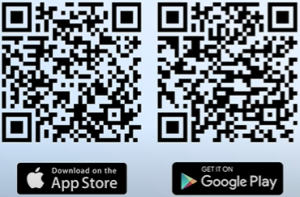
To monitor and manage your system remotely, start by downloading the Fox ESS Cloud app:
- Available on Google Play and App Store
- Search for “Fox ESS Cloud” and install
Once installed:
- Open the app and tap Sign Up
- Create your account with a username, password, and optional email
- Log in and access your dashboard
Fox ESS Cloud User Manual for full app instructions
Step 2: After creating the account, then select “I am an Owner”
Available roles:
- I am an installer/distributor : Set up and manage multiple systems
- I am an owner : Monitor your personal system
Step 3: Enter your Username, Account Password, and the Inverter’s Serial number
- You can also Tap the QE code scanner to open the camera and scan the code located just below your Fox ESS Inverter
Once you’re logged in, your main dashboard will appear
You’ll see there:
- How much solar energy you’re generating
- The remaining battery percentage
- how much electricity your home is using
- How much power you’re pulling from the grid
Monitoring these figures regularly can help you identify unexpected drops in generation or changes in household energy use. If your panels are producing less electricity than expected, Electric11’s solar panel maintenance services can help identify performance issues and keep your system operating efficiently.
Fox ESS Owner and Installer Accounts Explained
When creating a Fox ESS Cloud account, the app asks whether you are an owner or an installer/distributor. Most homeowners setting up a solar and battery system for their own property should select “I am an Owner.”
An owner account allows you to:
Monitor your personal Fox ESS system
View solar generation and household consumption
Check the battery’s charge level
Track electricity imported from or exported to the grid
Review daily, monthly, annual, and lifetime performance
Manage available battery charging settings
The installer/distributor option is intended for qualified professionals who commission and manage multiple Fox ESS systems. Installer accounts may provide access to technical settings that affect battery operation and inverter performance.
If your system does not appear after creating an owner account, it may still be linked to the installer’s account or another Fox ESS profile. Check that you entered the correct inverter serial number or scanned the correct QR code. If the system remains unavailable, contact your original installer before changing technical inverter or battery settings.
Understanding the Fox ESS App Dashboard
The Fox ESS app dashboard provides a live overview of how electricity moves between your solar panels, battery, home, and the grid. Reading these figures together helps you understand how much solar energy you generate, how much your property consumes, and when you rely on stored or imported electricity.
The main dashboard typically displays:
PV generation: The amount of electricity your solar panels are producing.
Household consumption or load: The electricity your property is currently using.
Battery state of charge: The percentage of energy remaining in the battery.
Battery charging or discharging: Whether electricity is entering the battery or being supplied from it.
Grid import: Electricity being drawn from your energy supplier.
Grid export: Surplus electricity being sent back to the grid.
Energy history: Solar generation, consumption, and grid usage shown by day, month, year, or lifetime.
For example, if solar generation is higher than household consumption, the surplus may charge the battery before being exported to the grid. When solar production falls, the system can discharge stored battery power to meet household demand before importing electricity, depending on your chosen settings.
Check the dashboard at different times of day to understand your normal usage patterns. Unexpected grid imports, missing battery data, or a significant drop in solar generation may indicate that the system settings or equipment need attention.
Step 4: Choose When Your Battery Will Charge From The Grid
Quick Tip: For lower energy costs, schedule charging during nighttime hours or when your electricity tariff is cheapest
- Go to “Quick Settings” button, then select “Grid Charge Settings”
- From there, you can choose when your battery will charger from the grid
- Tap “Enable Charge From Grid” then hit save to apply your settings
Choosing the right charging schedule can help you store electricity when grid rates are lower and use it during more expensive periods. Learn more about how solar battery storage works, including retrofitting a battery to an existing solar panel system.
Step 5: Swipe Right From The Dashboard
- You will see your production and self consumption by day, month, year, or lifetime
Need a Visual Walkthrough?
If you’d rather follow along with a video, this guide by Electric11 LTD walks you through the Fox ESS app setup—from downloading the app to creating your power station:
Best Fox ESS Battery Settings for Charging and Saving Energy
The best Fox ESS battery settings depend on your electricity tariff, household consumption, solar generation, and preferred backup reserve. For most homes, Self-Use mode provides a practical starting point because it prioritises solar power for the property, stores surplus generation in the battery, and uses stored energy when solar output falls.
Consider the following when adjusting your settings:
Use Self-Use mode for everyday operation: Solar power supplies the home first, followed by the battery when generation cannot meet demand. Grid electricity covers any remaining shortfall.
Schedule grid charging during off-peak periods: If you have a time-of-use tariff, set the battery to charge when electricity is cheapest and use that stored power during higher-rate periods.
Choose an appropriate minimum state of charge: A lower minimum can make more battery capacity available, while a higher level keeps more energy in reserve. Follow the limits recommended for your battery and discuss major changes with your installer.
Use the Mode Scheduler carefully: FoxCloud 2.0 can automate different operating modes at selected times. Forced Charge uses solar and grid power to charge the battery, while Forced Discharge can use stored power for the home or export it to the grid.
Adjust settings seasonally: Summer settings can prioritise storing surplus solar generation. During winter, scheduled off-peak charging may be more useful when solar production is lower.
Review performance before making further changes: Compare solar generation, battery activity, grid imports, and household consumption over several days to see whether the new schedule reduces peak-rate electricity use.
Homeowners who are still comparing system capacities and charging options can learn more about Electric11’s home battery storage systems in Norfolk. Detailed descriptions of the available work modes and scheduling controls can also be found in the official FoxCloud 2.0 App User Manual.
Avoid changing technical inverter parameters, import limits, export limits, or battery protection settings unless advised by your installer. Available controls can vary according to the inverter model, battery, firmware, region, and account permissions.
How to Set Up Fox Cloud 2.0
FoxCloud 2.0 allows homeowners to monitor solar generation, battery performance, household consumption, and grid usage from a mobile device. The app is available through Google Play and the Apple App Store.
Follow these steps to set up your account:
Download and open the FoxCloud 2.0 app.
Select your region and preferred language.
Tap Register and accept the privacy policy and terms.
Select Owner when asked to choose an account type.
Enter the required details and submit the registration form.
Sign in using your email address or username and password.
Open the automatically created home plant and add your Fox ESS devices.
Scan the QR code or enter the serial number found on the inverter or data logger.
Follow the on-screen instructions to connect the system to your home Wi-Fi.
Fox ESS advises using a 2.4 GHz Wi-Fi network during configuration, as setup may fail when connecting through a 5 GHz-only network. Once connected, check that the app displays your inverter, battery status, solar generation, household consumption, and grid activity.
Button names and available features can vary according to the app version, account permissions, inverter model, and firmware. Consult the official FoxCloud 2.0 App User Manual if the options on your screen differ from these instructions.
How to Add a Fox ESS Battery to an Existing Solar System
A Fox ESS battery can often be added to an existing solar panel system, but compatibility must be confirmed before installation. The existing inverter, battery model, electrical configuration, available space, and household energy requirements all affect the appropriate setup.
An installer will normally assess:
Whether the existing inverter supports battery storage
Compatibility between the inverter and proposed Fox ESS battery
The battery capacity required for the property
Available space, ventilation, and mounting conditions
Electrical protection and isolation requirements
Current solar generation and household consumption
Grid connection and export limitations
Whether backup power is required
App registration and monitoring configuration
A compatible hybrid inverter may support direct battery integration. Systems using a solar-only inverter may require additional equipment or an inverter upgrade before storage can be added.
Once installed and commissioned, the battery must be connected to the inverter and added to the Fox ESS monitoring platform. It should then appear in the app with its state of charge, charging or discharging status, and performance data.
Battery installation involves high-voltage electrical equipment and should not be treated as a DIY app setup task. Electric11 can assess an existing solar installation and recommend a compatible home battery storage system in Norfolk based on the property’s energy use and current equipment.
CTA button: Request a Battery Storage Assessment
Fox ESS App Troubleshooting and Support
If the Fox ESS app does not display the correct information, begin by checking the account, internet connection, and system status before changing any battery or inverter settings.
Common Fox ESS app problems include:
The inverter appears offline: Confirm that the inverter is powered and the property’s internet connection is working. Check whether the data logger remains connected to the correct Wi-Fi network.
The battery is not showing in the app: Refresh the plant and check that the battery appears under the correct inverter. A newly installed battery may need to be commissioned or linked by the installer.
The serial number is rejected: Re-enter the number carefully or scan the QR code below the inverter. Check that you are using the device serial number rather than an unrelated product code.
The system is linked to another account: The plant may still belong to the installer or a previous owner. Ask the installer to share or transfer access instead of creating duplicate plants.
Dashboard data is delayed: Fox ESS data may not always update instantly. Check the latest reporting time before assuming that the system has stopped generating.
Grid import or export figures look incorrect: Incorrect readings may relate to meter or current-transformer configuration and should be investigated by the installer.
Battery settings cannot be changed: Some controls depend on the account role, inverter model, firmware, region, or active work mode. Scheduled modes can also restrict changes through Quick Settings.
The app will not connect through Wi-Fi: Confirm that the network uses 2.4 GHz during configuration and that the correct password has been entered.
Do not open the inverter, battery, or electrical enclosures while troubleshooting. Electric11 customers can request help with system performance through our solar panel maintenance service in Norfolk. Account, warranty, or manufacturer-level issues can also be submitted through the official Fox ESS customer support portal.
Fox ESS App Review: Is It Useful for Home Energy Monitoring?
A Fox ESS app review is useful for homeowners who want to understand how well the app supports everyday solar and battery monitoring. Once connected, the app lets users check solar generation, battery charge levels, grid import, and energy consumption from their phone, making it easier to see how their system is performing without relying only on the inverter display.
The app is especially valuable for spotting energy usage patterns, checking system performance, and managing battery settings more confidently. Fox ESS also provides official app and cloud support resources for users who need help with setup, Wi-Fi connection, or monitoring features, which can be found through the Fox ESS support centre.
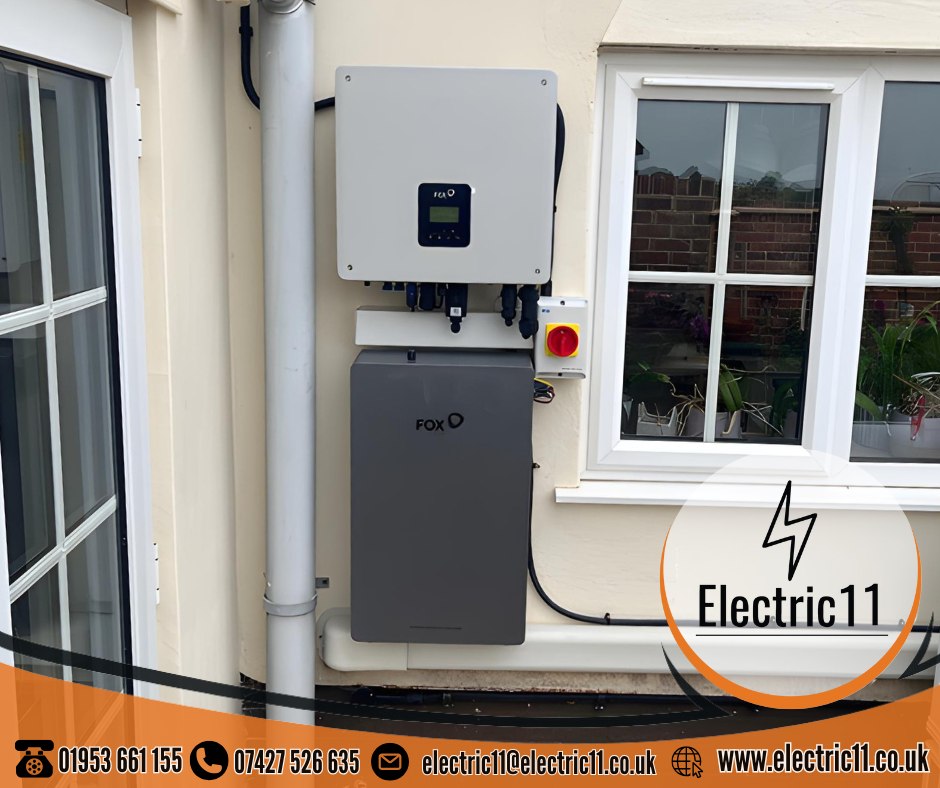
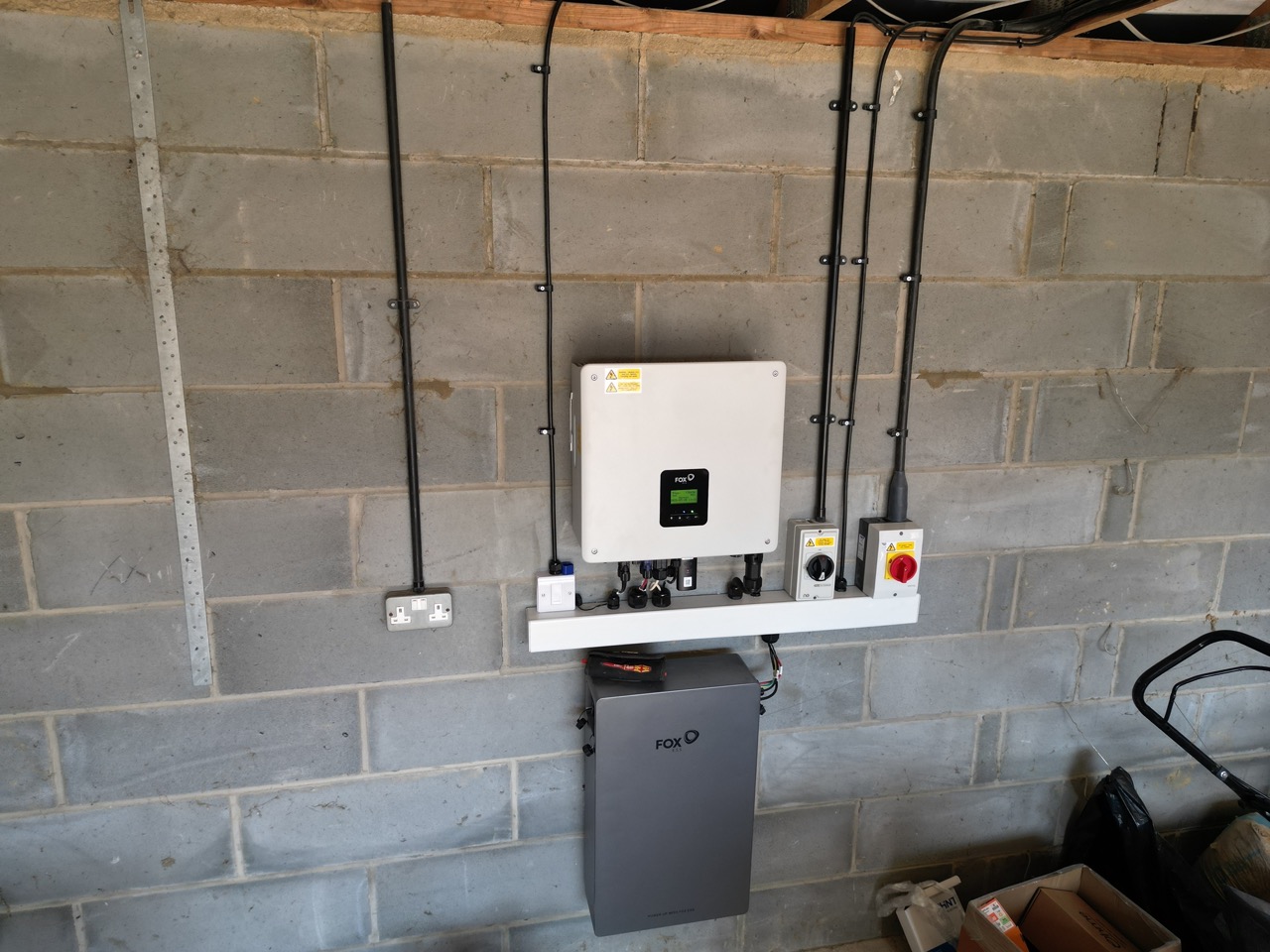
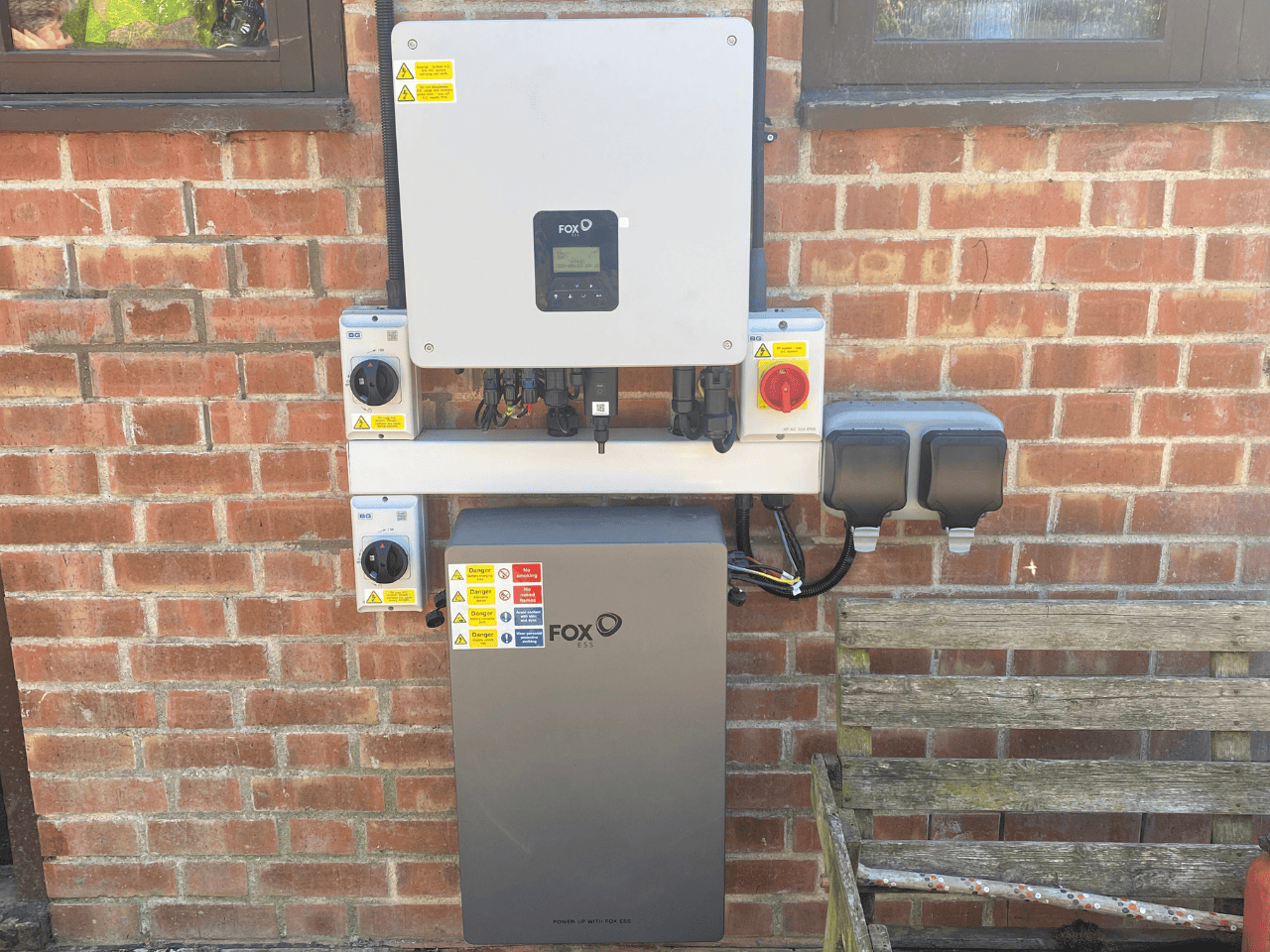
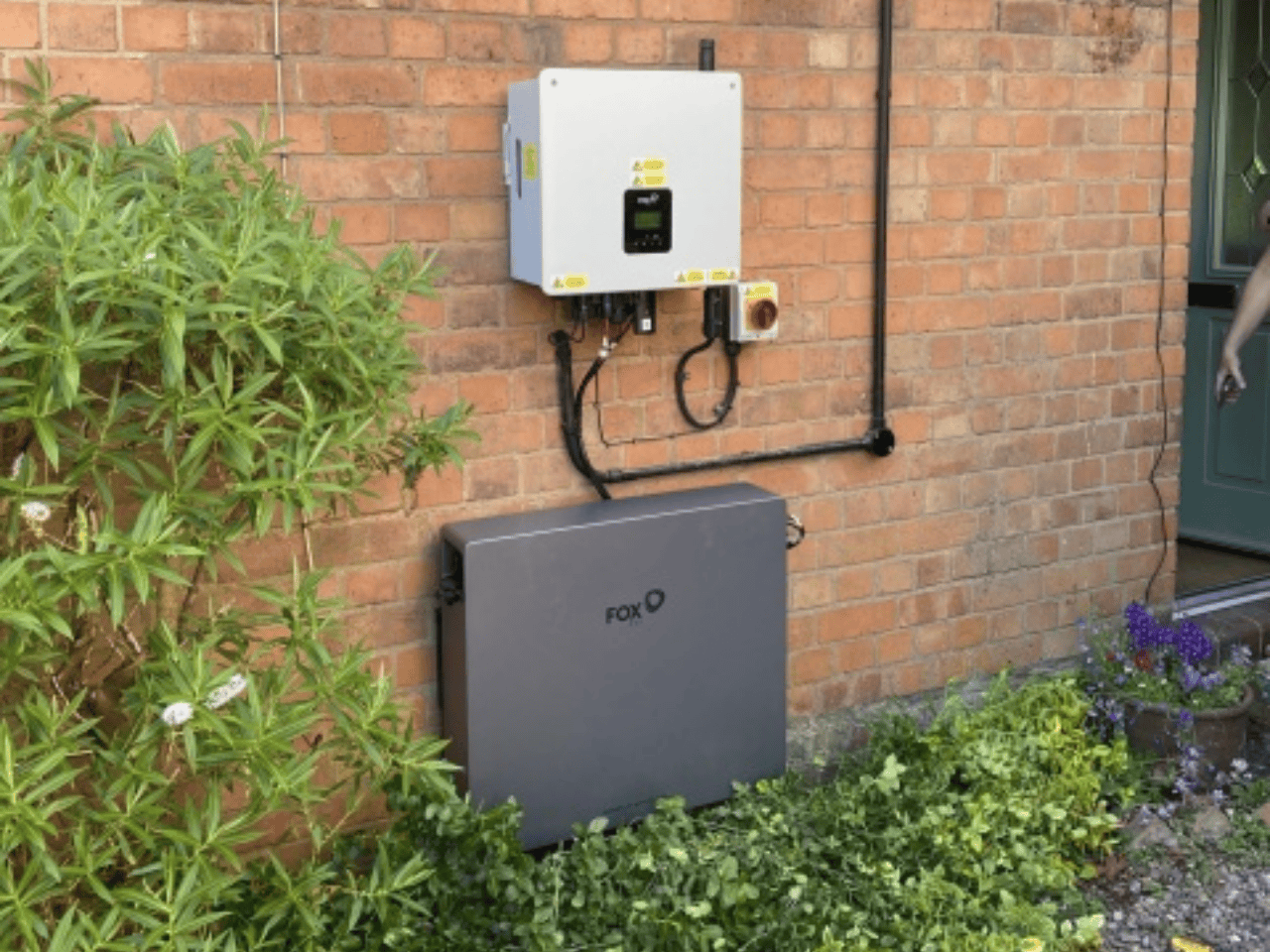
For a real-world example, view Electric11’s Norfolk solar farm and Fox ESS battery installation, which features a Fox hybrid inverter and a 5.18 kWh Fox ESS battery.
Final Thoughts
The Fox ESS Cloud app turns your solar setup into a smart, responsive energy hub. Whether you’re optimizing for savings or just love watching your panels work, this app gives you the control and insight you need.
Ready to Take Control of Your Energy?
Your Fox ESS system is more than just hardware—it’s your gateway to smarter, cleaner living. With the app set up and your power station connected, you’re now in charge of how and when you use energy.
You’re an Electric11 customer and want help optimizing your setup? Reach out—we’re here to support you every step of the way.
And if this guide helped, share it with someone else making the switch to solar. Empowerment is contagious.
If you’re ready to upgrade your energy setup with solar and battery storage Contact Electric11 can help you get started with expert installation and support.
Send us a message
"*" indicates required fields

